Driven integrates with HubSpot Deals, Pipelines and Owners which lets users:
- Create smart compensation plans using HubSpot data
- Automatically sync your HubSpot data between Driven and HubSpot
Install Driven
To install Driven and connect your HubSpot account, follow these steps:
- Log in or Sign-up to Driven.
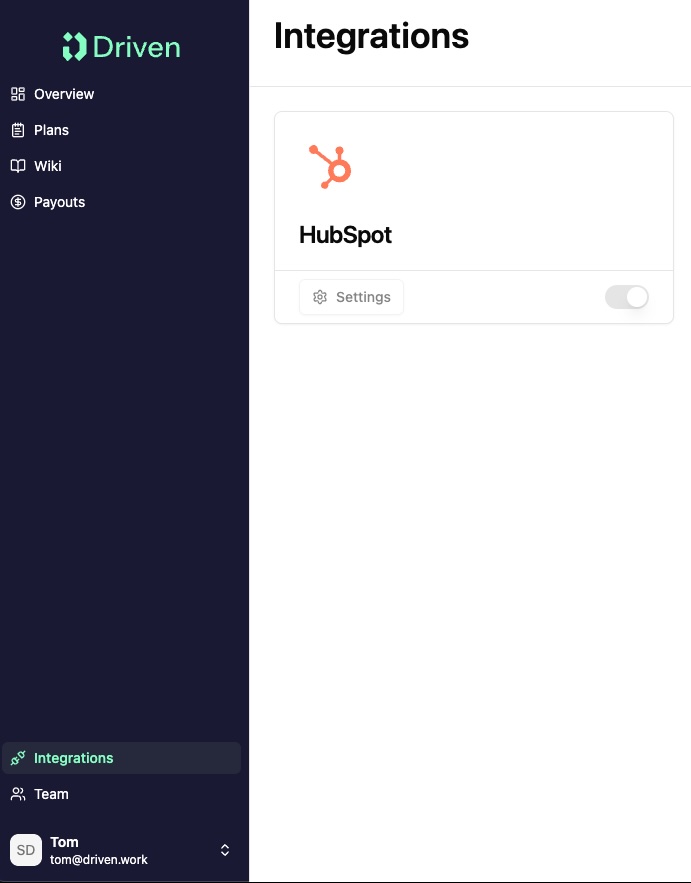
- Navigate to Integrations.
- Locate the HubSpot card and click on the toggle.
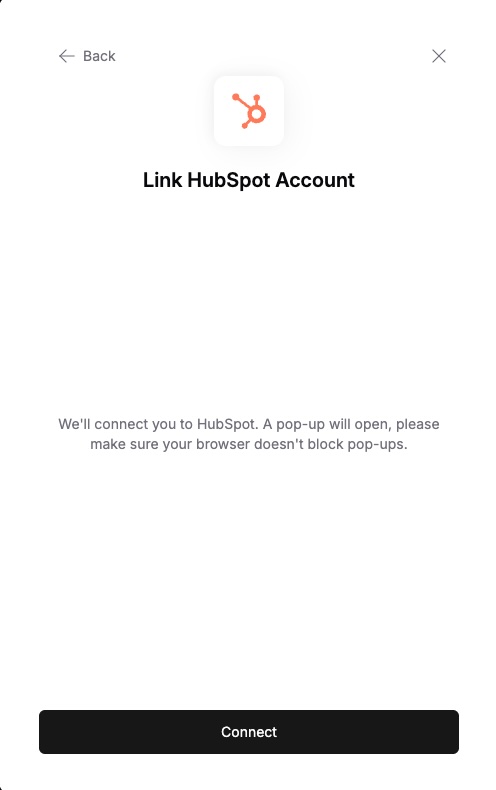
- In the pop-up that appears, click Connect.
- Select your HubSpot account.

- Review the requested scopes on this screen. Driven requests access to read and write contacts & companies, as well as read and edit contact & company properties.
- Click Connect app.

- You will be redirected back to the Driven "Integrations" page.
Configure Driven
Once you've connected Driven to HubSpot, no more additional configuration or manual mappings are required.
Use Driven